
Downloads
Put our opinions on your desk.
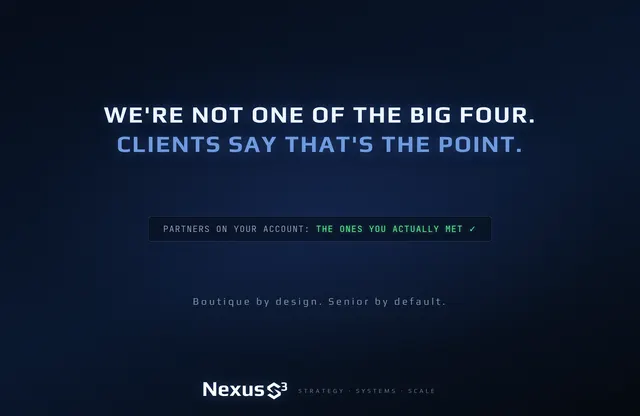
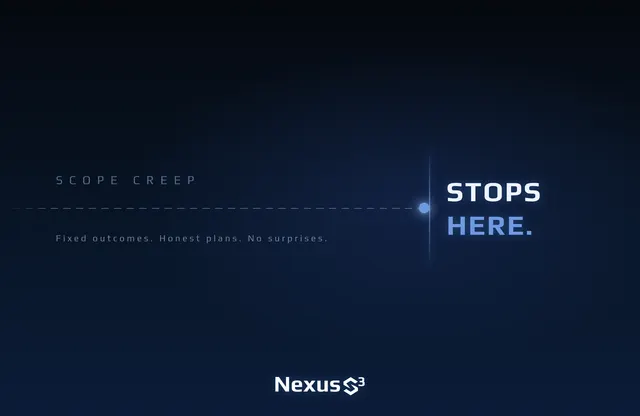
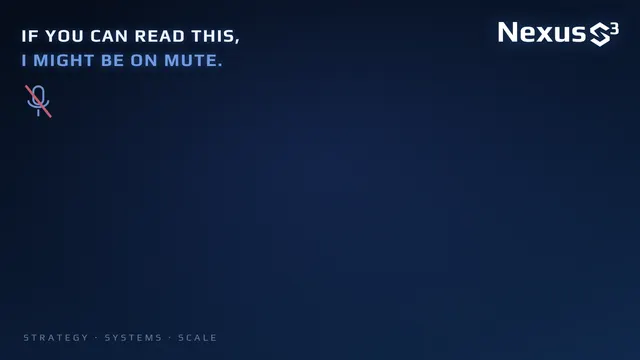
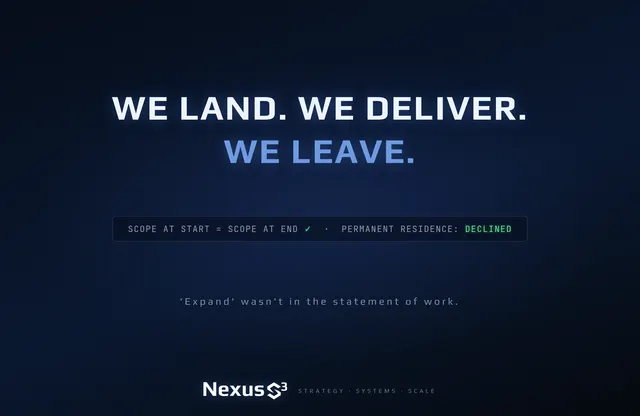
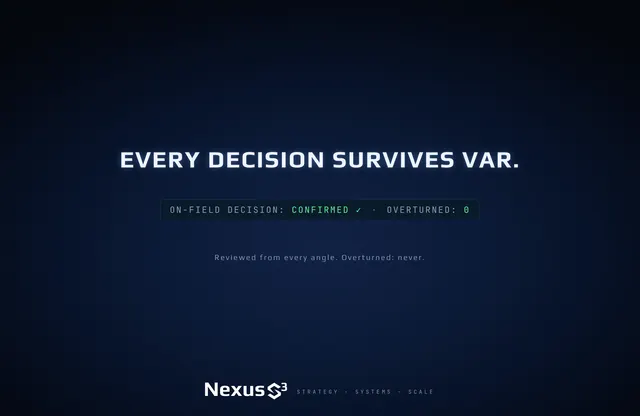
98 designs across desktop, ultrawide, poster and Teams / Zoom formats — the full set of Nexus S³ delivery truths, free to download. No sign-up. No buzzwords.
The collection
Find your line.
Pick a theme, pick a format, open a design and download the size you need.
Showing 98 designs.
Packs
Want the lot?

How to use them.
Microsoft Teams
Before or during a call, open Effects and avatars, choose Video effects, then Add new and pick the image. Your own preview may look mirrored. Everyone else sees the text the right way round.
Zoom
Open Settings, then Background & effects. Under Virtual backgrounds, press the plus button and add the image. Untick “Mirror my video” if you want to read it yourself.
Desktop
Ultrawide suits 21:9 monitors, the 1800×1169 poster size fits MacBook displays, and 4K covers everything else. Set it from your system’s wallpaper settings and choose Fill.
Free to use as your own wallpaper or meeting background. Please don’t alter the designs, resell them, or remove the Nexus S³ mark. Using one in a client call? We approve. Tag Nexus S³ on LinkedIn and show us.